Configuring Raspberry Pi as router
In this blog we will see how to configure raspberry pi as router. To make raspberry as router we need to install DHCP server on it.
Installing DHCP Server:
sudo apt-get update
sudo apt-get install hostapd isc-dhcp-server
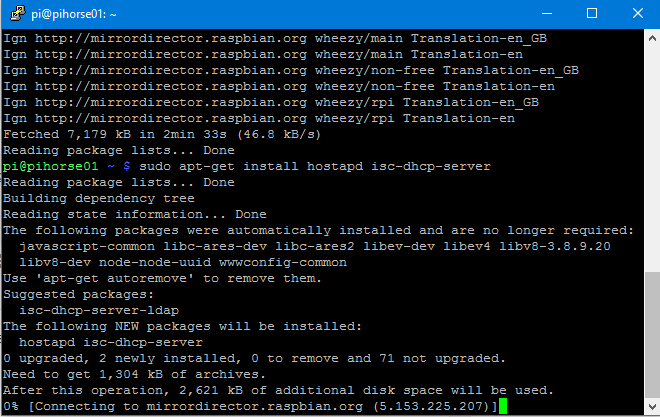
Once the DHCP server is installed,it will try to start the server,it will fail. we need to edit it’s config file to make it working.
sudo nano /etc/dhcp/dhcpd.conf
comment out domain-name,domain-name-servers options and uncomment authoritative
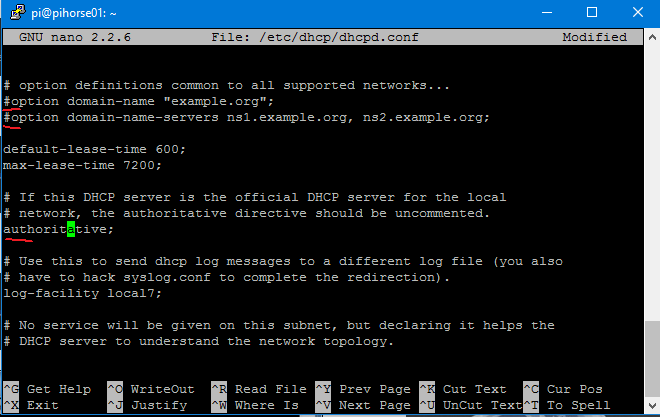
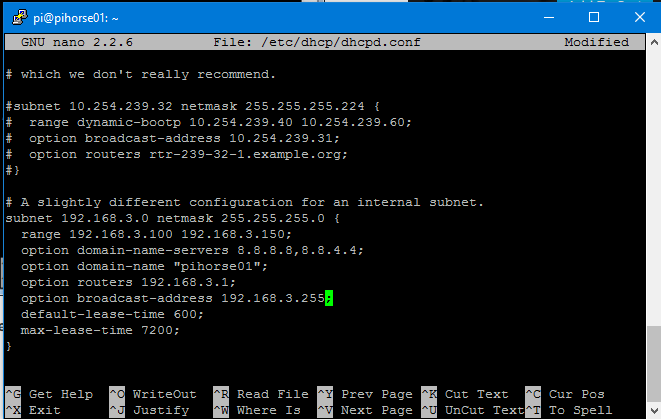
scroll down to and edit the following section
subnet 192.168.3.0 netmask 255.255.255.0 {
range 192.168.3.100 192.168.3.150;
option domain-name-servers 8.8.8.8,8.8.4.4;
option domain-name "pihorse01";
option routers 192.168.3.1;
option broadcast-address 192.168.3.255;
default-lease-time 600;
max-lease-time 7200;
}
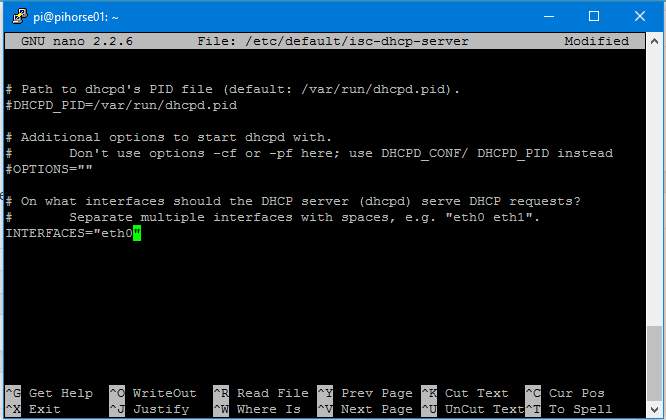
sudo nano /etc/default/isc-dhcp-server
enable default paths and change the INTERFACES to “eth0” if your clients connecting over ethernet, “wlan0” if over WiFi.
You need to setup a static IP for your interface, In may case I need a static IP for “eth0”
sudo nano /etc/network/interfaces

iface wlan0 inet static

address 192.168.3.1

netmask 255.255.255.0
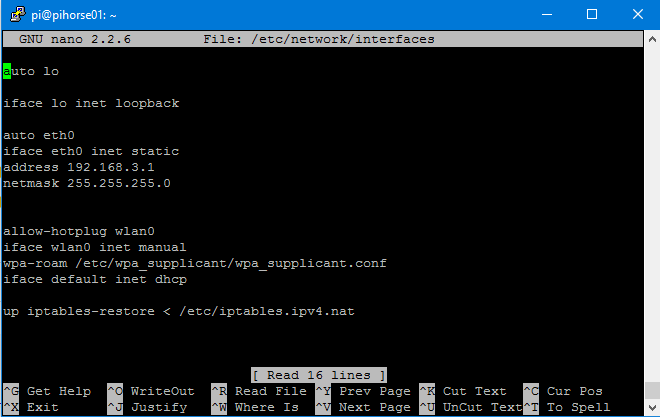
you need to setup NAT as well,please refer this blog . Then restart the dhcp service
sudo service isc-dhcp-server restart
Related Posts



About The Author
